
7 AI Tools Every Digital Nomad Needs in 2026
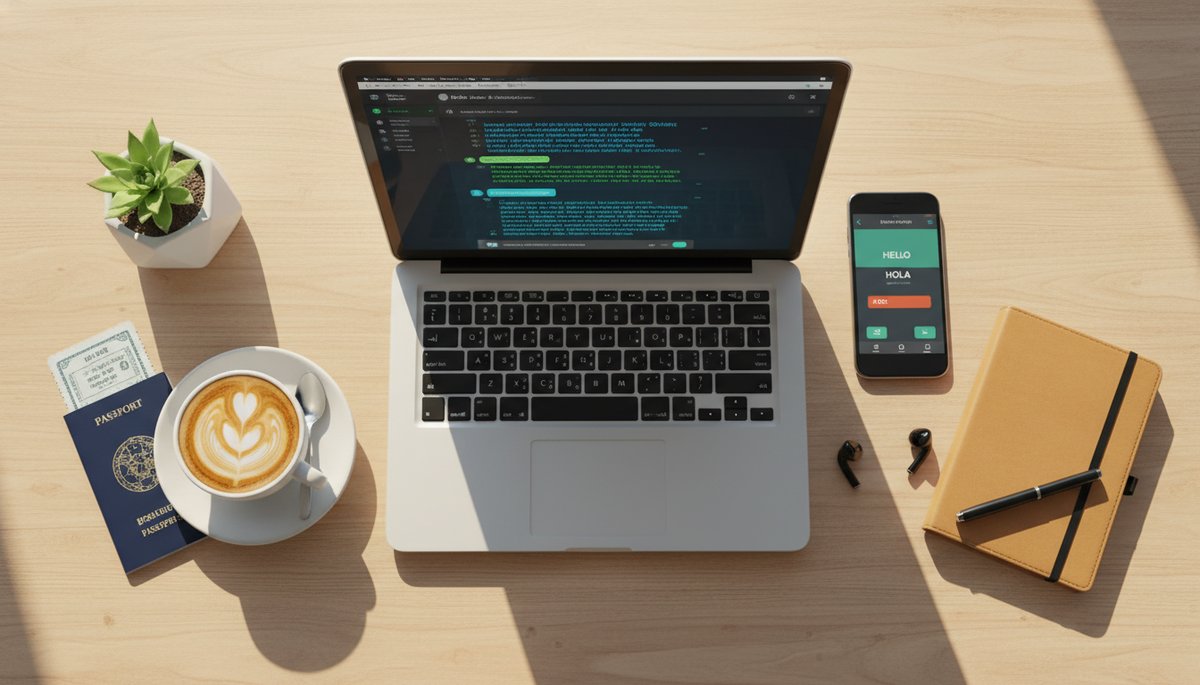
7 AI Tools Every Digital Nomad Needs in 2026
You land in a new city at midnight, you have a client call in eight hours, the menu is in a language you don't read, and the hostel WiFi needs a per-device login. The romantic version of digital nomad life skips this part — the admin, the logistics, the small frictions that eat your day before you've done any real work.
That's exactly where AI earns its keep. Used well, the right AI tools for digital nomads quietly handle the boring parts so you can focus on the work that pays and the places you came to see.
Quick Answer: The seven AI tools every digital nomad should use in 2026 are a general assistant (Claude or ChatGPT), an AI translation app (Google Translate or DeepL), a meeting transcriber (Otter.ai or Fathom), an AI writing assistant for client comms, a design tool (Canva Magic Studio), an AI scheduling helper (Reclaim or Motion), and an AI-powered job board for finding remote gigs. Most have free tiers — and you should always verify anything factual before acting on it.
Here's how each one fits into a real workflow on the road.
1. Claude or ChatGPT: Your Trip Planner and Draft Machine
A general AI assistant is the single most useful tool on this list because it does a dozen jobs at once. It builds itineraries around your meeting schedule, summarizes long documents, debugs code, and drafts anything you'd otherwise stare at a blank page to write.
I use one daily as a web developer, and the trip-planning use-case is genuinely good. Try this prompt:
"I'm a remote worker spending 10 days in Lisbon. I have client calls 9–11am Lisbon time on weekdays. Plan a loose itinerary that keeps mornings free for work, suggests 3 reliable cafes with good WiFi, and leaves weekends open for day trips. Keep it flexible."
Both Claude and ChatGPT have free tiers that cover this. Paid plans (around $20/month) add higher limits and faster responses. One rule: verify anything factual — opening hours, visa rules, prices — before you rely on it. For more on stretching your budget with AI, see our guide to AI tools for budget travelers.
2. AI Translation: Menus, Signs, and Real Conversations
Google Translate is the best free travel translator in 2026. Its camera mode reads menus, train signs, and pharmacy labels in real time by pointing your phone at them, and conversation mode handles spoken back-and-forth.
The move most travelers miss: download the offline language pack before you arrive. Translation then works on a dead SIM or in a basement restaurant with no signal.
For written work — translating a contract, a landlord's WhatsApp, or a polite email to a local official — DeepL produces noticeably more natural results. Many nomads keep Google Translate for live travel and DeepL for documents.
3. AI Transcription: Never Miss What Happened on a Call
AI transcription tools like Otter.ai and Fathom record, transcribe, and summarize your meetings automatically. For nomads juggling clients across time zones, this is a lifesaver — you can take a call half-awake at 6am and still get a clean summary with action items.
The real value is the searchable record. Instead of scribbling notes while nodding along, you get a transcript you can search later for "what did the client say about the deadline?" Both have free tiers (with monthly transcription limits); paid plans unlock longer recordings and CRM integrations.
4. AI Writing Assistant for Client Communication
AI writing tools turn the email you've been avoiding into a 30-second task. The highest-value nomad use isn't blog posts — it's the awkward client message: pushing a deadline, raising your rate, or chasing a late invoice across a language and culture gap.
Try a prompt like:
"Write a friendly, professional email to a client telling them I need to move our Thursday deadline to Monday because of a travel delay. Keep it short, confident, and apologetic without over-apologizing."
You can use Claude or ChatGPT for this, or a dedicated assistant like Grammarly's AI. Always read and edit before sending — AI can sound generic or invent a detail. Treat it as a strong first draft.
5. AI Design Tools for Fast, Good-Enough Deliverables
AI design tools like Canva Magic Studio let non-designers produce decent visuals in minutes — social graphics, a quick pitch deck, a simple logo, or a client one-pager. You describe what you want, and it generates editable drafts.
For a freelancer who needs a presentable deliverable but isn't a designer, this closes the gap between "I can't make that" and "here you go." The free tier covers a lot; the paid Pro tier adds the AI features and brand kits. It won't replace a real designer for high-stakes work, but for fast turnarounds on the road, it's plenty.
6. AI Scheduling and Time-Zone Helpers
AI scheduling tools like Reclaim, Motion, and Clockwise automatically arrange your calendar around your priorities and — crucially for nomads — across time zones. They find meeting slots that work for a client in New York while you're in Bali, and protect deep-work blocks so your calendar doesn't get shredded.
Even your AI assistant can help here. Ask: "It's 3pm for me in GMT+7. My client is in EST. Suggest three call times that are reasonable for both of us this week." No more mental math, no more 2am meetings booked by accident.
7. AI for Finding and Parsing Remote Gigs
AI-powered job boards and assistants help you find remote work faster and cut through bloated listings. Tools and boards increasingly let you filter by genuine remote and time-zone fit, and you can paste a long job description into Claude or ChatGPT to extract what actually matters.
Try this when a listing is vague:
"Here's a remote job posting. Tell me: is it truly remote or hybrid, what time zone overlap they expect, the real must-have skills vs nice-to-haves, and three tailored bullet points I could put in my application."
It turns a 20-minute read into a 2-minute decision — and helps you write a sharper application.
A Quick Word on Trusting AI
These tools are powerful, not infallible. AI will occasionally invent a visa rule, a price, or a set of business hours with total confidence. Use it to draft, summarize, and brainstorm — then verify anything factual against a primary source before you act, especially for money, legal, and travel logistics.
Your Next Step
Pick one tool from this list and use it for a week — translation if you're heading somewhere new, transcription if your calendar is a mess of cross-time-zone calls. Stacking these AI tools for digital nomads one at a time beats trying to adopt all seven at once. When you're ready to round out the rest of your setup, our digital nomad starter kit covers the gear and accounts worth having before you go.
You Might Also Like

Travel + Remote-Work Briefing — October 25, 2026

Travel + Remote Work Briefing — October 24, 2026

Travel + Remote Work Briefing — October 22, 2026